
Free lead capture form
Free lead capture form, routed to your CRM.
Point one lead capture form — email plus a qualifying field — at splitforms and every lead lands in your dashboard, inbox, and CRM in seconds. No server required.
- 500 leads a month
- No server
- CRM + webhooks

Key benefits
Email first, then qualify
Ask for email first, then one qualifying field — company, role, budget, or timeline — once the visitor has already committed.
Spam-filtered leads
A hidden botcheck honeypot and a form_loaded_at time-trap flag bots before a notification ever fires — no CAPTCHA needed.
Routed to your CRM
Every lead is stored, emailed, and — on paid plans — forwarded to the CRM or email tool your team already uses.
Copy-paste ready
Free HTML lead capture form, ready to paste.
A lead capture form should not feel like a procurement questionnaire. Capture the email first, add only the fields that change your follow-up, and keep the built-in spam guards. Prefer to POST JSON from your own code? See the lead capture form API.
Setup
How to build a lead capture form that reaches your CRM.
The same six steps work whether your lead capture form sits on a plain HTML landing page, a React app, or WordPress.

Step 1 of 6
Choose your lead type
Decide whether this is a demo request, waitlist, lead magnet, newsletter, or quote request form — the qualifying fields you ask for should match it.

Step 2 of 6
Create a free access key
Sign up for splitforms (no credit card) and create a form in the dashboard. Copy its access_key — a public identifier that goes in a hidden field, not a secret.

Step 3 of 6
Keep the first field short
Ask for email first, then add one or two qualifying fields — company, role, budget, timeline — once the visitor has already committed.
Step 4 of 6
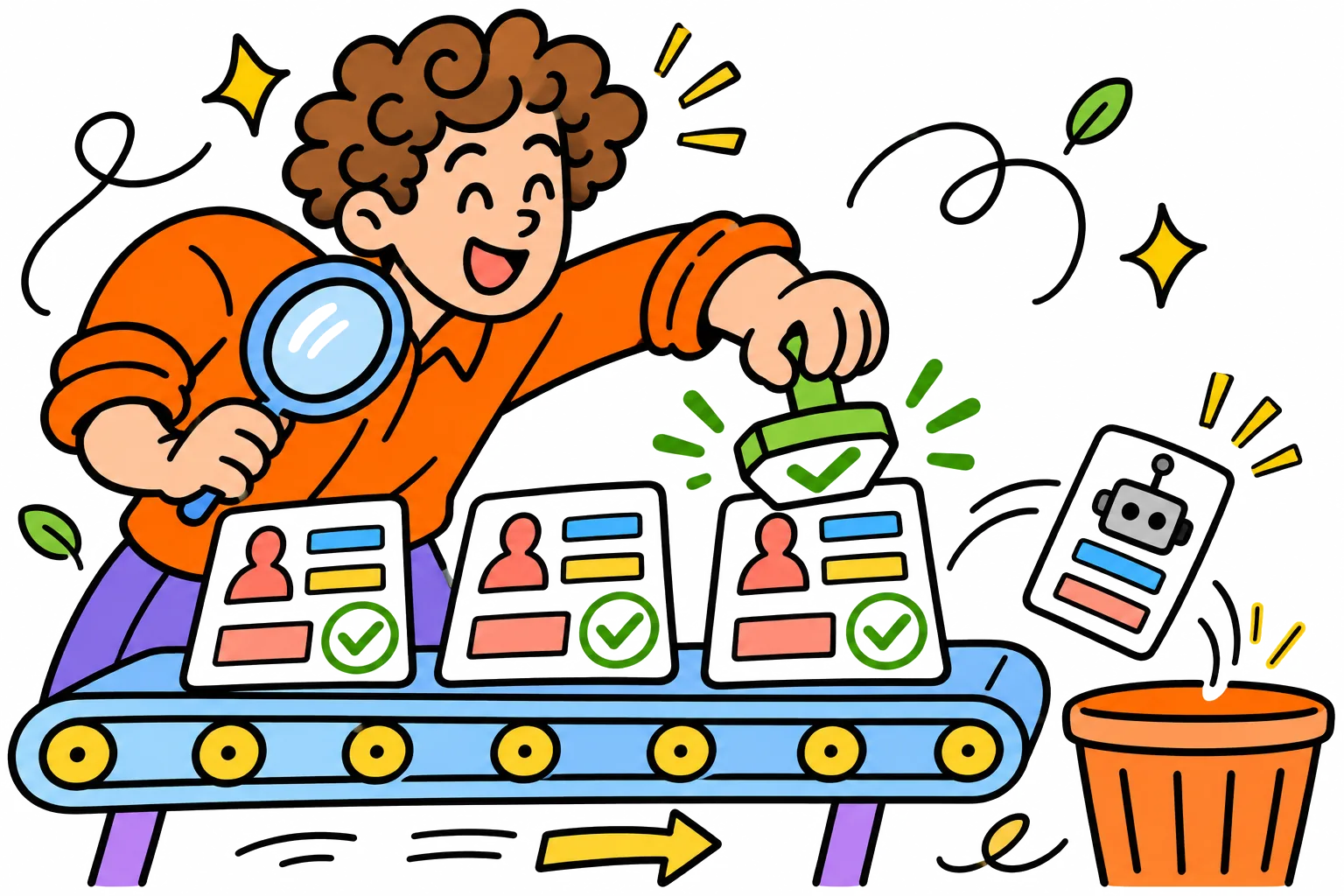
Add the spam guards
Include a hidden botcheck honeypot that must stay empty and a form_loaded_at time-trap field stamped with the page-load time. Both are checked automatically before a notification fires.

Step 5 of 6
Set a redirect and subject
Add a redirect field so visitors land on your thank-you page after submitting, and a subject field to customize the notification email's subject line.
Step 6 of 6
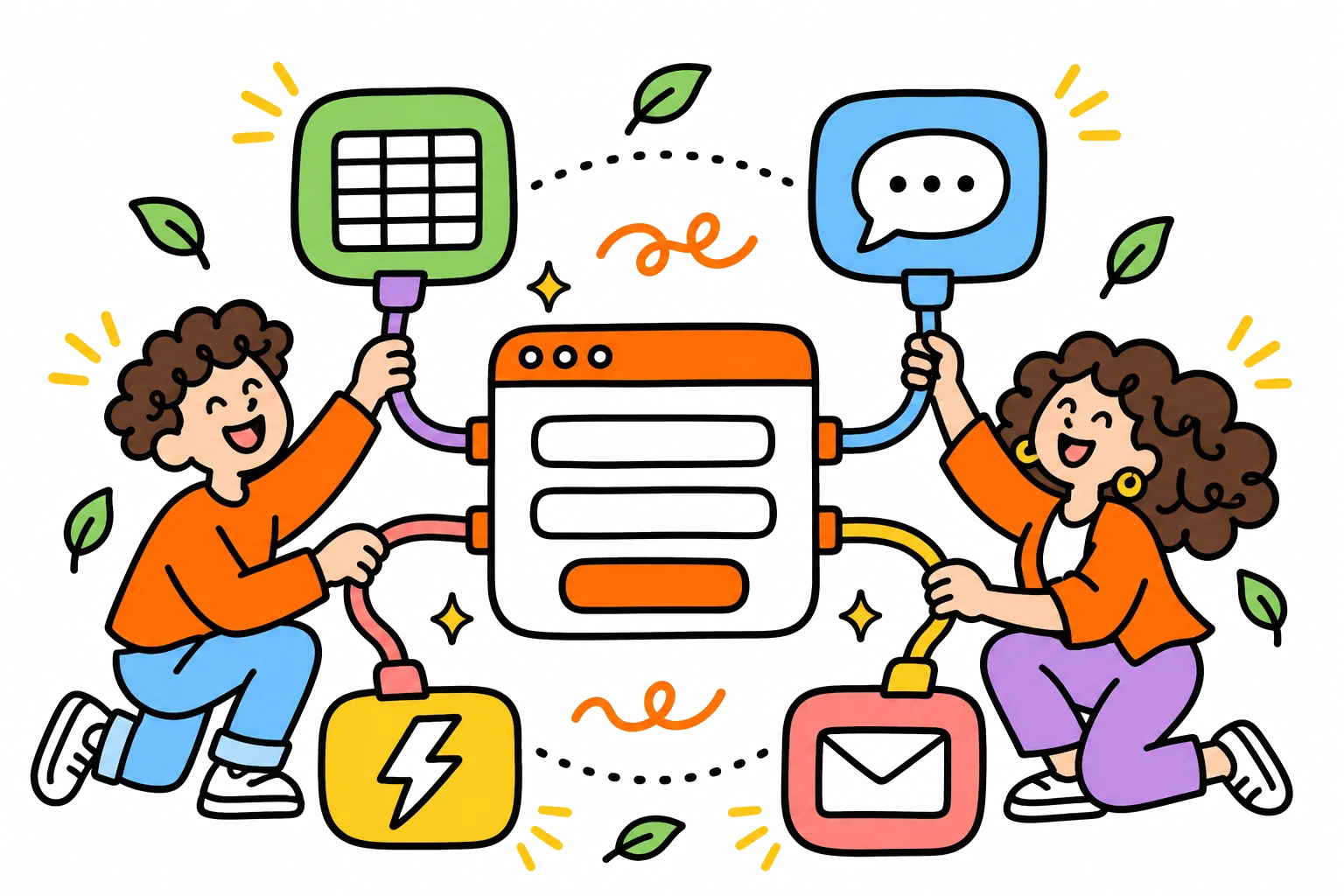
Connect your CRM or email tool
Owner notification email works on every plan. To sync leads automatically, upgrade to Pro ($5 per month) and point a signed webhook or a native integration at the CRM or ESP your team already uses.
Where leads go
Where does a lead capture form send your leads?
Every lead is stored, emailed, and — on paid plans — forwarded to the CRM or email tool your team already uses through native integrations or signed webhooks. Pull leads back out any time with the submissions API — you choose the destinations, splitforms handles delivery.
- Inbox + dashboard delivery free on every plan, including Free
- Signed webhooks + integrations (Slack, Notion, Airtable, Sheets, Mailchimp) on paid plans
- Read leads back with GET /api/submissions or the free MCP server for AI agents

No CAPTCHA
Stop spam on your lead capture form without a CAPTCHA.
splitforms checks a hidden botcheck honeypot field, a form_loaded_at time-trap that flags instant bot submissions, and server-side content heuristics on every plan — so real leads reach you and bots don't, no CAPTCHA challenge to solve.
- Hidden botcheck honeypot field that must stay empty
- form_loaded_at time-trap flags instant bot submits
- Lock a form to allowed domains, or bring your own reCAPTCHA v2 key

Pick the right form
Which lead capture form matches your funnel?
Same hosted backend, tuned fields for each stage of your funnel. Start from a demo request form to qualify SaaS leads, a waitlist form for pre-launch demand, a lead magnet form to gate a PDF, or a newsletter signup form to grow an owned audience.

 Slack
 Discord
 WhatsApp
 Telegram
 Teams
 Google Sheets
 Airtable
 Notion
 HubSpot
 Mailchimp
 Zapier
 Make
 n8n
 Webhook
 MCP / AI
 Next.js

What is a lead capture form?
A lead capture form collects a potential customer's contact details — typically an email address plus one or two qualifying fields like company, role, use case, budget, or timeline — so you can follow up. It's the front end of demo requests, waitlists, gated downloads, newsletters, and quote requests, and splitforms is the no-code backend that stores each submission, filters spam, and notifies you by email.
What fields should a lead capture form include?
For most landing pages, keep it to email plus one intent field. Demo request forms can add company, role, team size, and use case. Lead magnet forms should ask for email first, then one qualifying question after the user has committed.
Can splitforms send leads to HubSpot, Salesforce, Mailchimp, or ConvertKit?
Yes. Use signed webhooks directly, or route through Zapier, Make, or n8n via a webhook (splitforms doesn't have a native Zapier app). Demo requests usually go to a CRM; newsletter and lead magnet forms usually go to an email platform.
Is a multi-step lead capture form better?
Often, yes. Capture email first, then ask one or two qualifying questions. The first step lowers friction, and the second step gives sales or marketing enough context to segment the lead.
Is splitforms free for lead capture forms?
Yes. Free includes 500 submissions a month, unlimited forms, spam filtering, the dashboard, and owner notification emails — no credit card required. Pro ($5 per month, 5,000 leads a month) adds CSV/XML/PDF export, signed webhooks and integrations, an auto-responder, CC/BCC and priority support; Annual is $49 per year for 15,000 leads a month.
How do I stop spam on a lead capture form without a CAPTCHA?
splitforms checks a hidden botcheck honeypot field (it must stay empty), a form_loaded_at time-trap that flags instant bot submissions, and server-side content heuristics on every plan. You can also lock a form to allowed domains, turn on strict origin mode, or bring your own reCAPTCHA v2 secret for an extra layer.
Show 2 more questions
Can I redirect leads to a thank-you page after they submit?
Yes. Add a redirect field with your thank-you page URL and splitforms sends the visitor there after a successful submission — useful for a calendar-booking link or a conversion-tracking pixel.
Can I pull leads out with an API instead of checking the dashboard?
Yes. GET https://splitforms.com/api/submissions with an Authorization: Bearer <API token> header returns { submissions, has_more }. Filter with form (id or access_key), and paginate with limit (default 25, max 100), before, and since. The same token also powers the free MCP server for AI agents.
Simple pricing
Start free. Upgrade when you need more.
Get your lead capture form live in minutes.
Paste one form, add your access key, and start collecting qualified leads — 500 free / month, routed to your inbox and CRM, no credit card required.
- No credit card required
- 500 free submissions
- Setup in minutes
